10 CRM System Examples for Golf Clubs
Which CRM fits your golf business, and can your team run the club's commercial processes through it? A polished dashboard doesn't answer that question. Neither does a long list of automations if nobody can explain who owns a membership enquiry, what happens after a visit, or how a new member reaches the administration team.
The best CRM isn't necessarily the system with the most features. It's the one your club can configure clearly, use consistently and connect to existing membership, booking and communication systems.
At GolfRep, our recommendation is to match the software to the operational constraint. A single-site club with a small membership team may need a straightforward pipeline and dependable task management. A multi-site operator should test central reporting, permissions, data governance and integration requirements before committing.
Selection rule: Choose the system your staff can operate during a busy working day, not just the one that looks strongest in a demonstration.
These CRM system examples cover specialist golf software, general-purpose sales tools and platforms for more involved organisational requirements. The practical distinction is what each helps you manage, and what your club will still need to configure, integrate or administer.
Product packages change, so confirm limits, included features and implementation scope before signing a contract.
1. Capture
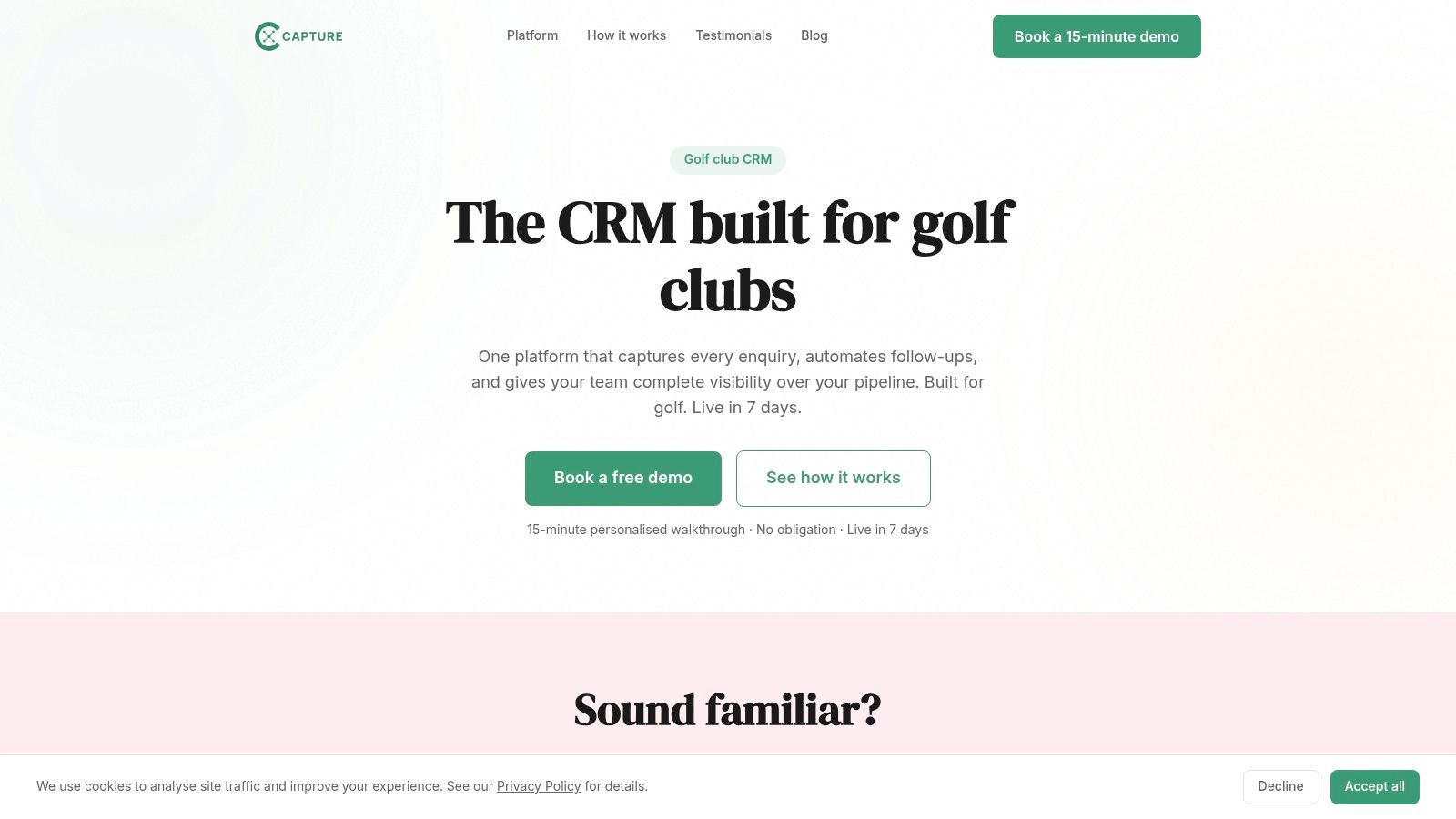
Best fit for a club that wants golf-specific enquiry workflows rather than a blank configuration. Capture's golf-club CRM brings membership and other enquiries into dedicated pipelines, including leads originating through web forms, email, phone and social channels.
Its features include enquiry status tracking, automated confirmations, follow-up sequences and email campaigns for memberships, societies and events. Dashboards cover enquiries, response times and conversion, giving a membership lead a way to review progress instead of just counting contacts.
Where the specialist approach helps
Capture offers setup, data import, form configuration and staff training. That support is relevant when the club manager will also be responsible for implementation and doesn't have time to design every field and workflow.
- Operational advantage: Golf-specific workflows can reduce the configuration required to distinguish membership prospects from society organisers or event enquiries.
- Commercial advantage: Follow-up and campaign activity sit alongside enquiry management, rather than being treated as unrelated jobs.
- Main limitation: Pricing isn't published, so clubs need a demo and a scoped proposal before comparing total cost.
Capture is intended to complement, not replace, tee-sheet software. Ask the provider to demonstrate how a booked membership visit or trial round is recorded without creating conflicting booking information.
Its integration ecosystem may be smaller than those of larger general-purpose platforms. Make compatibility with your actual booking, website and membership systems a condition of selection, rather than assuming golf-specific software connects to every golf product.
2. HubSpot CRM
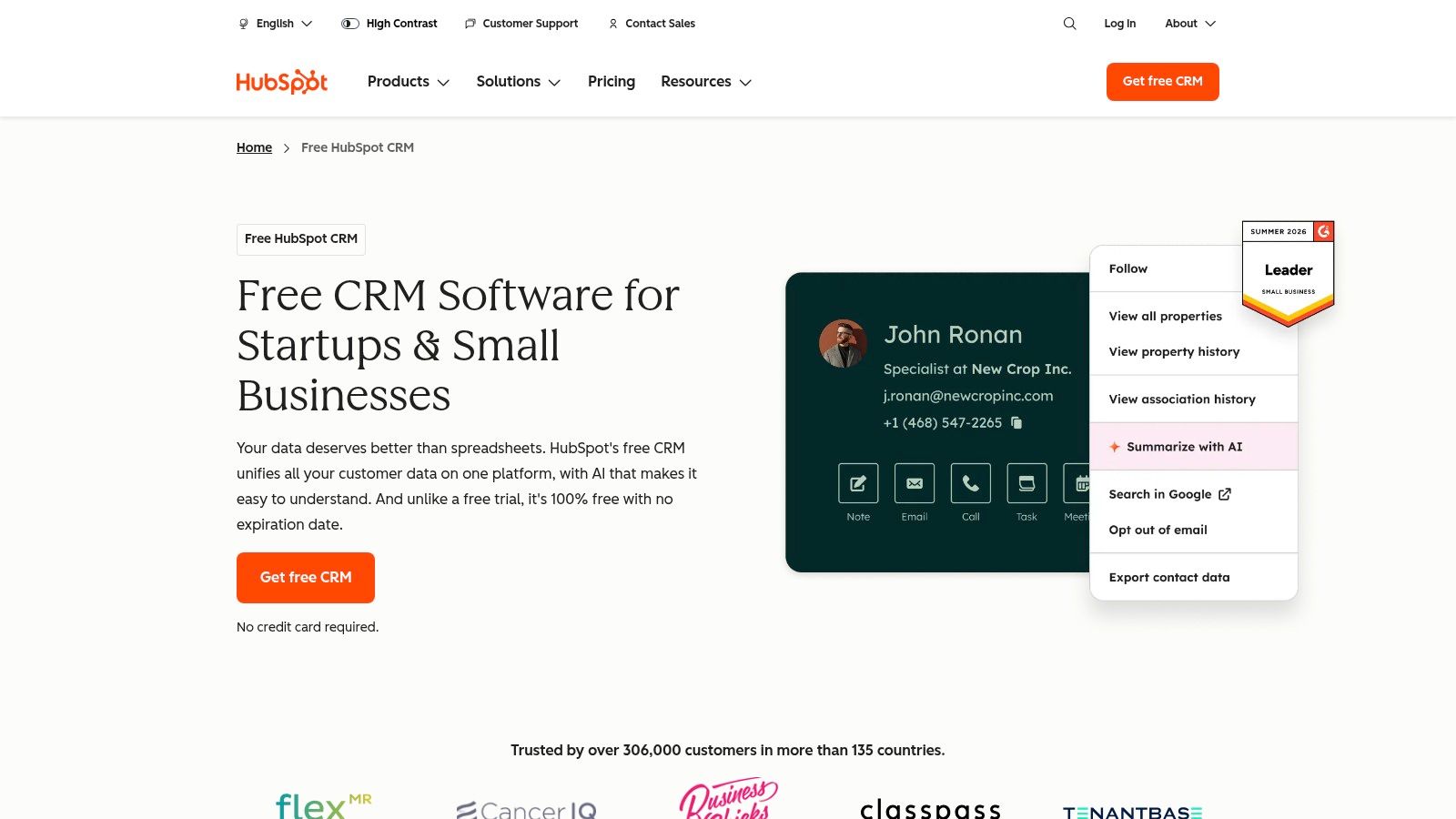
A club wanting to connect marketing activity with membership sales should consider HubSpot CRM, particularly if it wants to begin with basic contact and pipeline management before adding more functionality.
HubSpot's CRM tools include contact records, deal pipelines, email and calendar connections, reporting dashboards and integrations. Its free tools are limited to two users and 1,000 contacts, so compare those limits with everyone who needs access and the database you intend to hold.
Test the upgrade path early
A practical membership pipeline could distinguish an initial enquiry, a booked visit, an attended visit and a joining decision. The important test is whether staff can see the contact history and next action without searching through separate records.
HubSpot's paid products add broader sales, marketing and automation capabilities. That provides room to expand, but it also means the free entry point shouldn't be treated as a reliable guide to the eventual operating cost.
- What works: Shared contact information can help the person running campaigns understand which prospects progress towards membership.
- What needs care: Advanced functionality and additional products can increase costs, while feature availability varies by plan.
- What to demonstrate: Move a prospect into membership, stop prospect communications and show how the administration team receives the handover.
Our guide to the best CRM for golf clubs provides further context for assessing suitability. Choose HubSpot because its connected approach matches your requirements, not because you can start without a subscription.
3. Zoho CRM
Zoho CRM deserves consideration when the club needs configurable processes across different revenue streams. A membership enquiry, a society booking and a clubhouse function shouldn't all require identical fields or stages.
Zoho CRM manages contacts and deals, with paid editions adding workflows, multiple pipelines, reporting and integrations. It also has a free edition for small teams, alongside connections with other products in Zoho's business software suite.
For a club with varied commercial activity, that flexibility is useful. The risk is spending too much time evaluating products and building processes before staff have established the basics.
Configure around decisions, not available fields
Start with information that changes what someone does next. Membership intent and preferred playing times may inform a membership conversation, while a society organiser needs a proposed date, package requirements and booking status.
- Strong point: Customisable records and processes allow the club to reflect different enquiry types.
- Trade-off: Some capabilities require paid editions or related products, so the required solution may extend beyond the initial CRM subscription.
- Implementation test: Ask staff to progress different enquiry types and produce separate reports without maintaining parallel spreadsheets.
Zoho is a sensible option when someone can own configuration and ongoing maintenance. It's less appealing if the team expects a fully prepared golf workflow with little internal involvement.
Keep the initial setup restrained. Add fields and automations only when staff can explain the decision they support, and verify integration requirements before committing to a wider suite.
4. Pipedrive
If your membership team needs a clear view of who needs attention and what happens next, Pipedrive is a relevant option. Its sales-pipeline focus maps naturally to a journey from new enquiry through contact, visit, offer and joining.
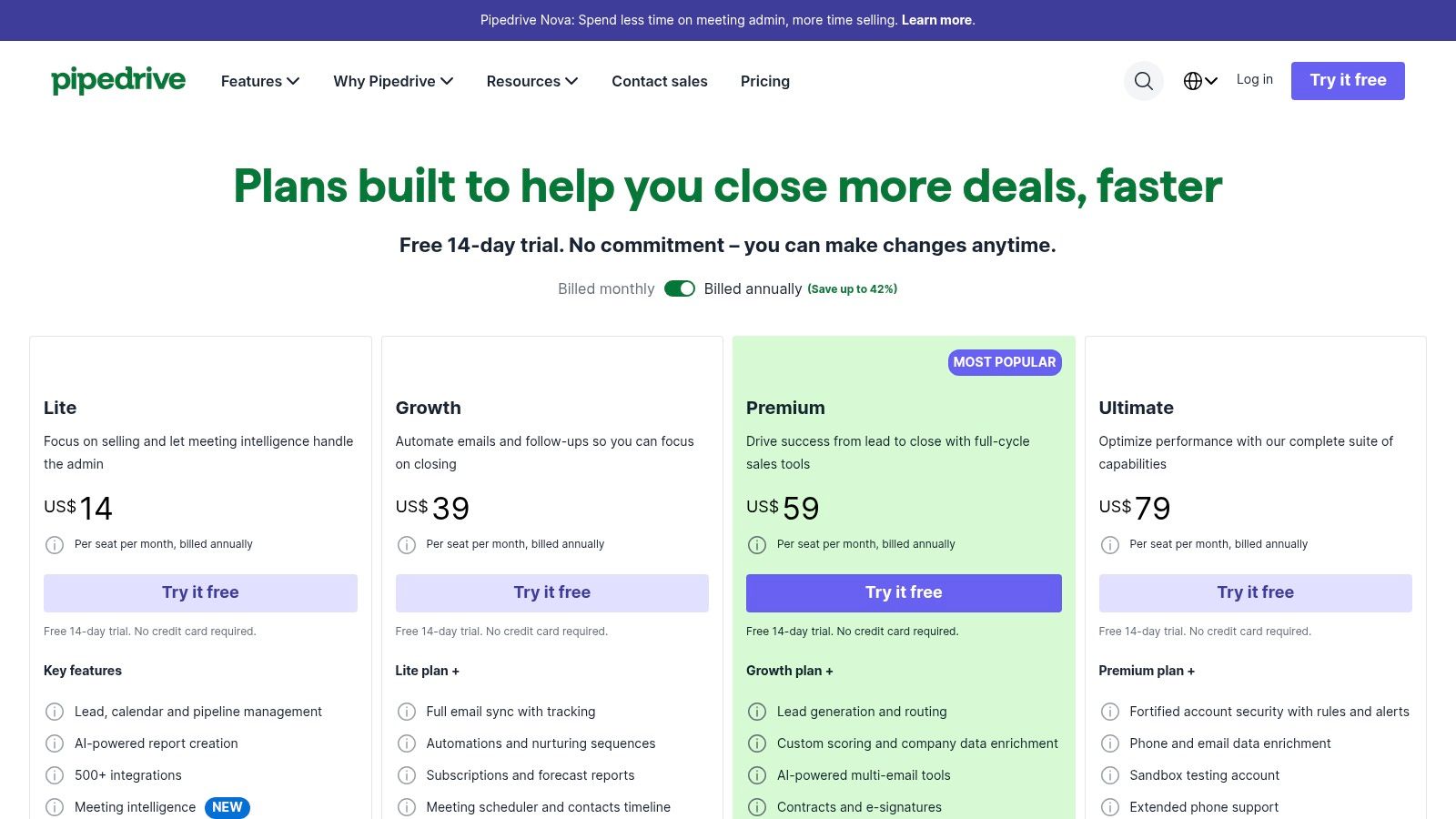
Pipedrive's plans include visual pipelines, tasks, calendar events and follow-up tracking, with reporting and AI-assisted capabilities on eligible plans. The provider offers a 14-day free trial, which is an opportunity to test an actual club workflow rather than browse an empty account.
A pipeline stage should describe something that has happened. A task should describe what a member of staff needs to do next.
Keep stages separate from actions
For example, visit booked is a stage, while calling to confirm attendance is an action. Mixing these makes it harder for the manager to distinguish genuine progress from staff activity.
Pipedrive's appeal is that pipeline-led approach. However, golf-specific stages and reports still need configuring, and broader marketing automation may require additional tools or integrations.
- Best operational use: A small sales or membership team managing active opportunities.
- Cost consideration: Per-seat charges need reviewing as more staff require access.
- Pilot question: Can a colleague cover an absence using only the recorded history, owner and next task?
Our practical guide to CRM for golf clubs explains the wider process considerations. Pipedrive is worth testing when pipeline discipline is the priority, rather than an extensive marketing suite.
5. Capsule CRM
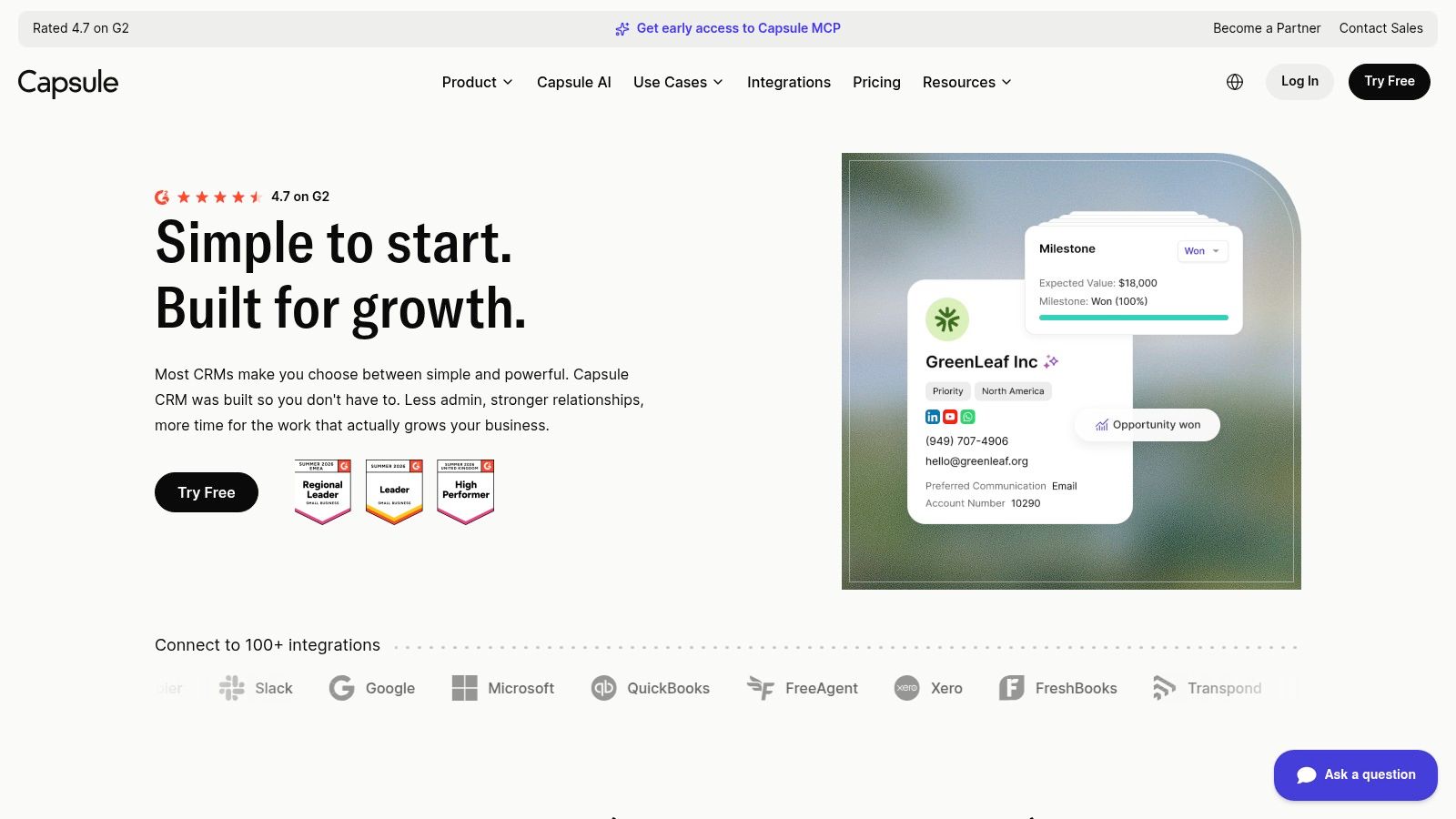
A smaller club doesn't necessarily need an elaborate CRM configuration. It may need reliable contact records, visible opportunities and tasks that another colleague can pick up.
Capsule CRM focuses on those functions, with contact and opportunity management, a sales pipeline and task tracking. Its free plan allows two users, 250 contacts and one pipeline, while paid plans increase limits and add features such as more custom fields and email templates.
A focused starting point
For a secretary and membership lead, a useful test would be recording a prospective member's interests, documenting a conversation and assigning the next action. The manager should then be able to review open opportunities without asking staff to prepare a separate update.
The free contact allowance needs particular attention. Before importing records, decide whether the CRM will hold only active prospects or also members, visitors, former members and society organisers.
- Advantage: The focus on contacts, opportunities and tasks offers a contained starting scope.
- Expansion option: Paid plans provide more room for custom club information.
- Limitation: Advanced marketing requires an add-on, and Capsule isn't designed specifically for golf operations or membership administration.
Don't mistake a manageable CRM for a replacement membership system. Decide where membership status, payments and booking rights will remain authoritative.
Capsule is most relevant when the club wants to establish consistent working habits without immediately taking on a broad software project. Confirm the paid-plan requirements early so a successful pilot doesn't lead to an unplanned migration.
6. Freshsales
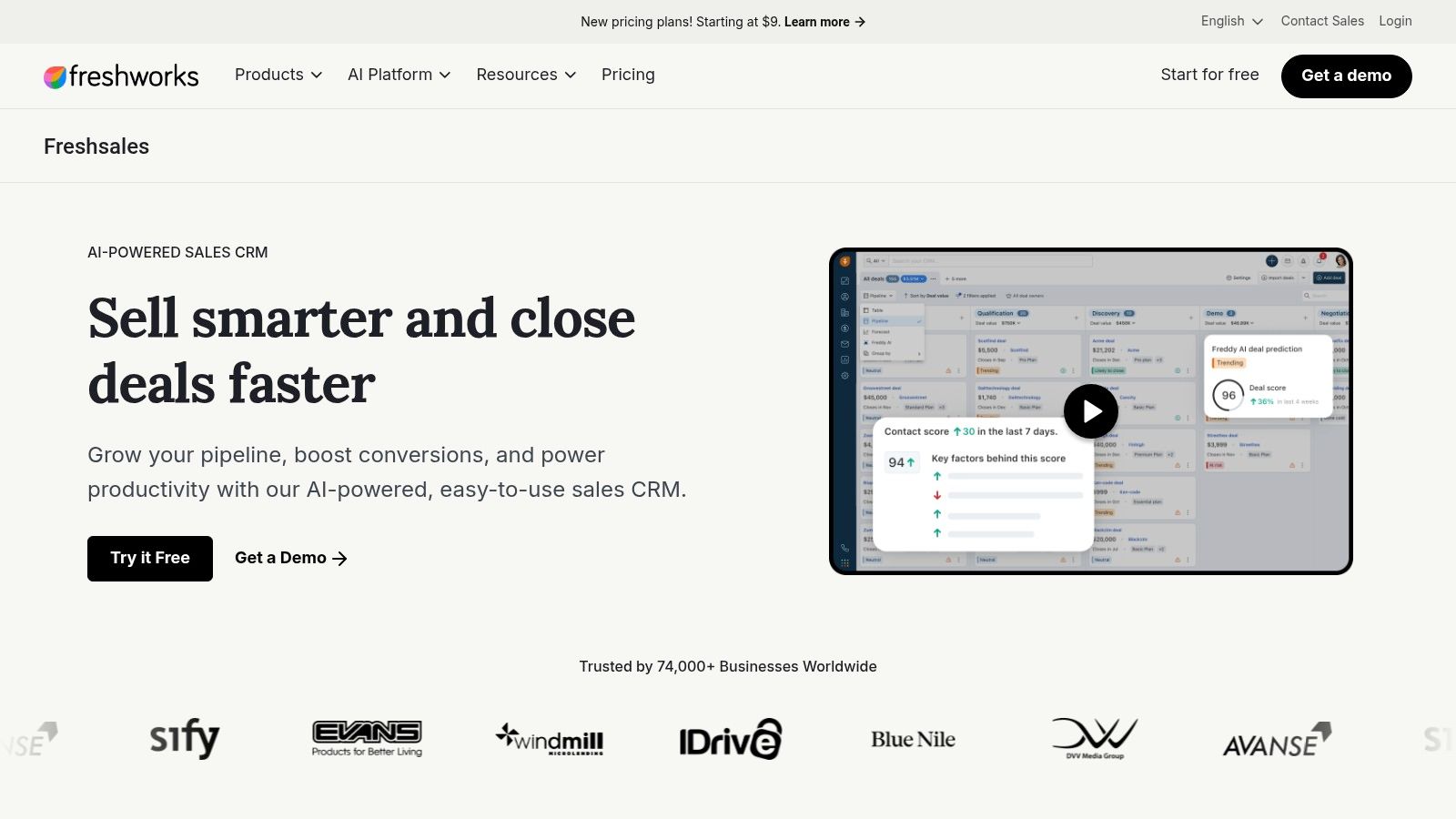
Freshsales is worth examining when communication history is central to the membership team's work. A colleague covering reception should be able to see whether a prospect has already spoken with the membership lead before making another approach.
Freshsales combines contact and account management with sales activities, communication capabilities and automation. Its listed plans include a free option for up to three users, while paid tiers add workflows, contact scoring, sales sequences and forecasting.
Test communication in context
The platform includes email, chat and phone capabilities alongside activity timelines. However, clubs should confirm exactly which communication services, usage allowances and features apply to the proposed package.
A realistic demonstration should involve more than sending a templated email. Ask the provider to show what staff see after a conversation, how they record an objection and how they prevent an inappropriate follow-up.
- Practical benefit: Communication and sales information can be managed within the same working environment.
- Configuration requirement: Golf-specific workflows and membership categories need to be defined.
- Commercial caution: Some capabilities sit on higher-cost plans, and UK billing, currency and taxes need checking because the researched pricing listing uses US dollars.
Scoring and forecasting shouldn't dominate the selection discussion if the club hasn't established dependable record keeping. Begin with ownership, accurate stages and useful interaction notes.
Freshsales is a potential fit for a small membership team that values coordinated communication, provided the required package remains proportionate to its workload.
7. Salesforce
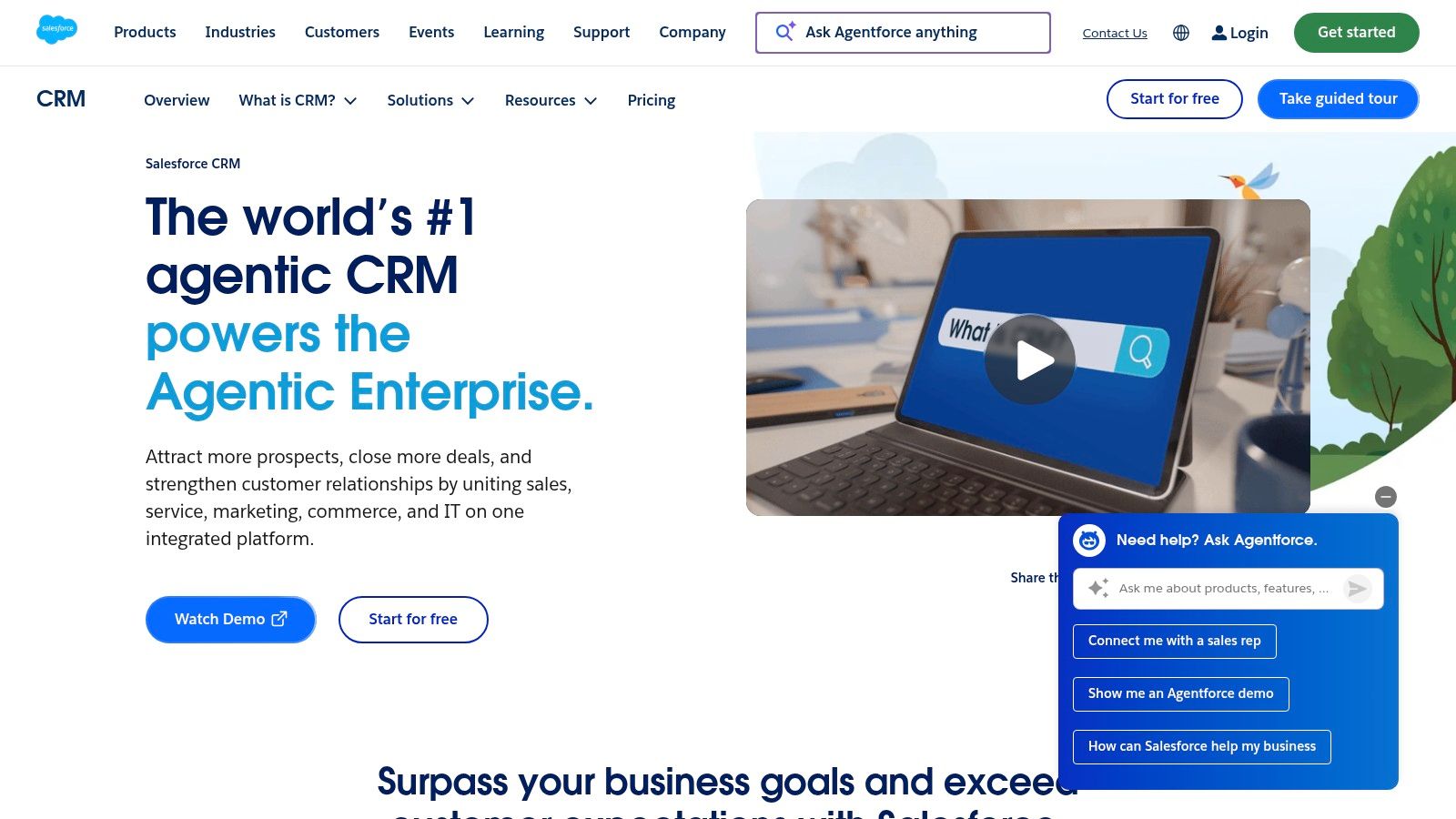
For a golf group, the difficult question may be how to let sites operate locally while retaining consistent group reporting and controlled access. Salesforce is relevant to that more complex requirement.
Salesforce's UK CRM offering covers accounts, contacts, leads, opportunities, workflows, dashboards and customisation, with AppExchange providing integrations and extensions. Salesforce lists UK pricing and a 30-day trial, although a trial alone won't establish the scope of a group implementation.
Flexibility needs ownership
A multi-site operator could assess Salesforce against shared reporting definitions, site-level responsibilities and centrally managed processes. The value of that flexibility depends on having someone responsible for configuration and administration.
It's not automatically the right choice for a single club. Implementation expertise, maintenance and higher-tier licence costs may outweigh capabilities the team won't use.
- Strong fit: Complex structures involving multiple teams, sites or connected business systems.
- Main trade-off: Extensive configuration options bring an ongoing administration requirement.
- Essential demonstration: Show how a local manager accesses their pipeline while a group commercial lead compares performance consistently across locations.
For the operational foundations, our golf-club CRM software guide explains what the system needs to support.
Before selecting Salesforce, name the internal system owner and establish the implementation budget. If neither is clear, resolve those decisions first rather than expecting the software supplier to define how the group should operate.
8. Microsoft Dynamics 365 Sales
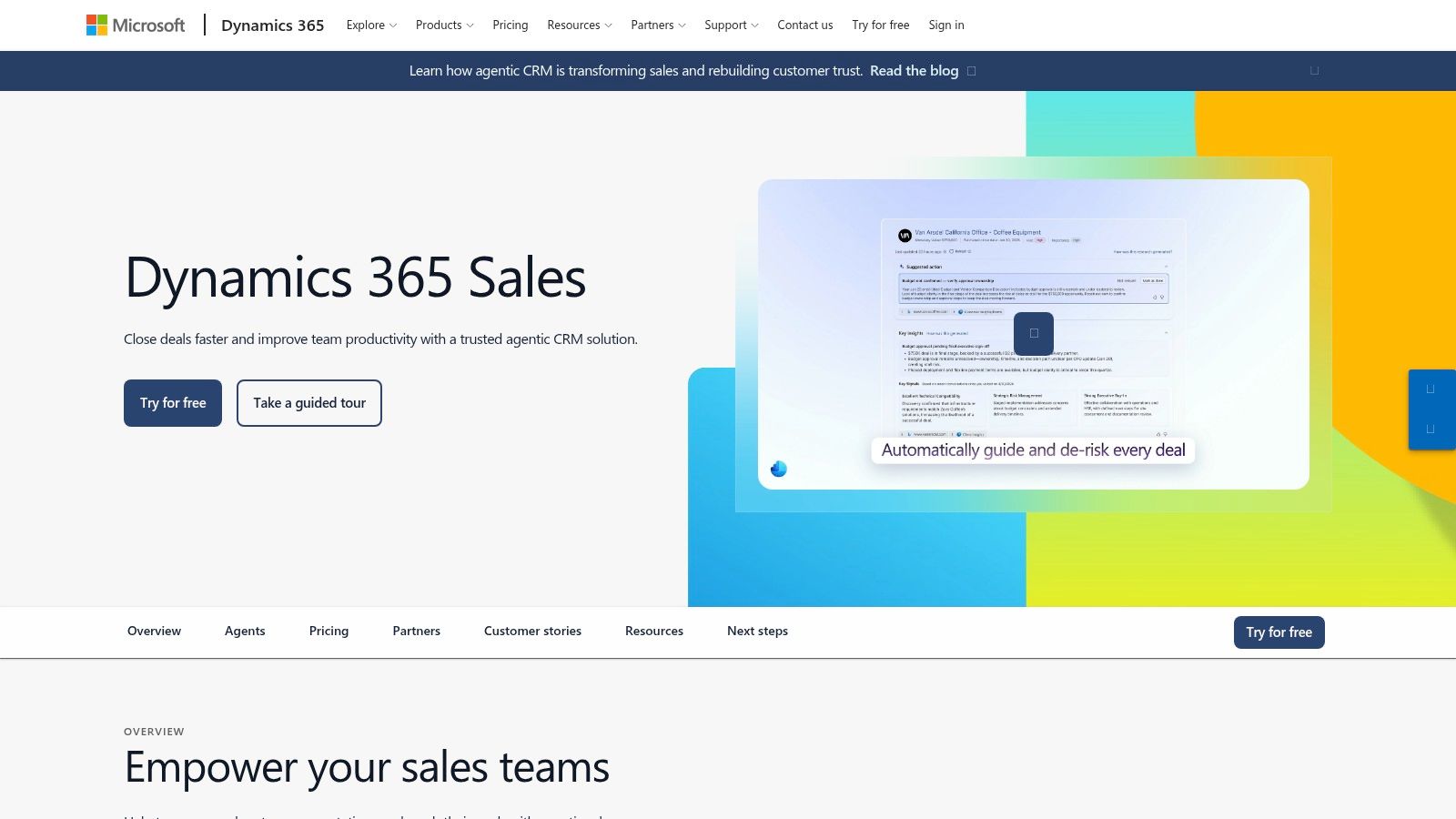
An existing reliance on Microsoft products makes Dynamics 365 Sales worth investigating, but it doesn't remove the need for a proper implementation assessment. Familiar software branding isn't evidence that every required connection is included.
Microsoft Dynamics 365 Sales provides sales and relationship-management capabilities, with integration possibilities across Microsoft's business-product ecosystem. Microsoft publishes product and pricing information, but the final requirements depend on the products and licences selected.
Assess the environment, not just the CRM
For a golf group seeking centralised sales processes, the evaluation should include lead tracking, reporting and staff access across locations. Ask the implementation team to explain which requirements sit within Sales and which depend on other products or configuration.
The appeal is a potential fit with the organisation's existing technology environment. The trade-off is that implementation may be more involved than adopting a lightweight pipeline tool.
Procurement check: Ask for a working demonstration of the proposed integration, not just confirmation that both products belong to the same software ecosystem.
Test a membership enquiry arriving through the website, being assigned locally and appearing in a central report. Then test reassignment when the prospect prefers another facility.
The proposal should identify licence requirements, implementation responsibilities and ongoing support. Dynamics merits consideration where the operator has structured requirements and the resources to maintain them, rather than because staff already use Microsoft applications.
9. monday CRM
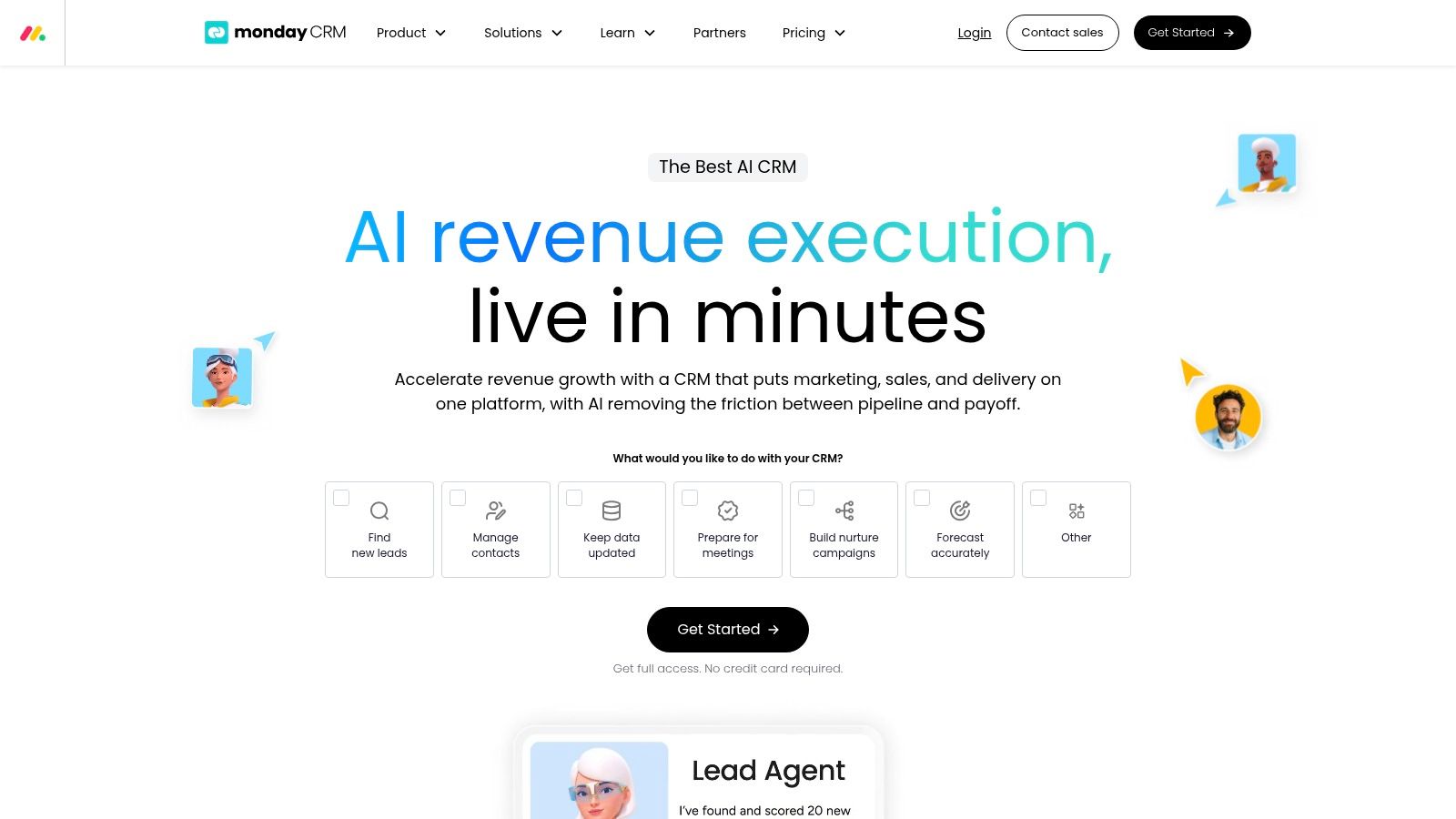
Some golf businesses need to coordinate work around an opportunity as much as they need to track the sale itself. A society booking, for example, may involve the organiser, golf operations and catering before the arrangements are complete.
monday CRM uses configurable boards and workflows for contacts, leads and deals, alongside activity tracking, dashboards and mobile apps. Higher plans add capabilities such as email sequences, mass email and more automation; plans start from three seats, with trial access rather than a full free CRM plan.
Visual flexibility needs shared rules
A club could adapt boards to show booking progress and associated tasks. However, it should avoid treating a visually tidy board as proof that the underlying records and reporting are reliable.
- Useful flexibility: Different enquiry types can be represented through configurable boards and workflows.
- Operational responsibility: The team must design and maintain its own stages, fields and reporting.
- Pricing consideration: Both team size and plan affect the commercial comparison.
Test what happens when the same society organiser also asks about a personal membership. Staff should be able to distinguish the opportunities without losing the relationship history or creating contradictory records.
monday CRM is relevant when the club values visual coordination and has someone willing to maintain the workflow. It's less suitable if the expectation is a ready-made golf process.
During the trial, ask operational colleagues to complete their actual tasks. Their ability to find and update information matters more than how attractive the board looks in a committee presentation.
10. ActiveCampaign
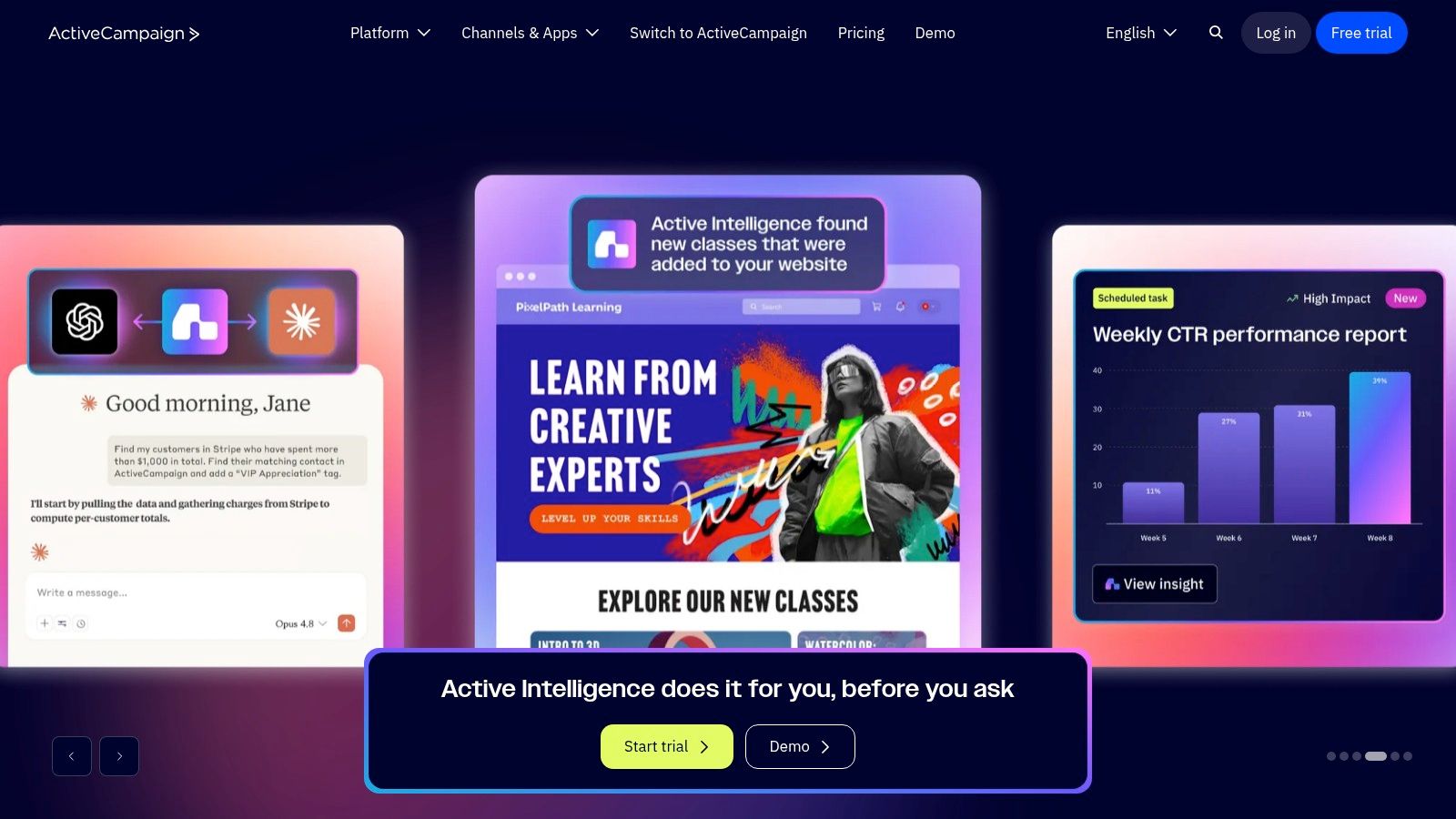
ActiveCampaign belongs on the shortlist when segmented email journeys are a central requirement. That could mean separate communications for membership prospects, repeat visitors and society organisers, rather than a shared newsletter for everyone.
ActiveCampaign provides marketing automation, contact segmentation and email campaigns, with pipeline and sales-engagement capabilities available through CRM add-ons. Clubs should establish the scope and price of those add-ons rather than assuming every sales function comes with the core marketing package.
Design the exit before the sequence
A prospective member might need information about membership categories before they're ready to book a visit. Once they book, decline or join, the communication should change accordingly.
The practical test is whether the proposed configuration can respond correctly to those changes. Ask staff to demonstrate how they stop a nurture journey after a joining decision or a personal conversation.
- Strong fit: Clubs that need multi-step, segmented marketing communications.
- Commercial trade-off: Pricing depends on contact volume and selected functionality.
- Weaker fit: Teams whose primary requirement is straightforward contact records and task management.
Permission management also belongs in the evaluation. The ICO's direct-marketing checklist explains that electronic marketing to individual subscribers generally requires consent unless a valid soft opt-in applies.
Record channel permissions, consent details and withdrawals, and don't treat every enquiry as permission for ongoing campaigns. ActiveCampaign's automation is most relevant when the club has clear segments, appropriate permissions and someone responsible for maintaining the journeys.
Top 10 CRM System Examples: Feature Comparison
| CRM | Best Fit for Golf Clubs | Core Capabilities | Standout Value | Pricing and Key Consideration |
|---|---|---|---|---|
| Capture | Clubs wanting golf-specific enquiry management | Lead pipelines, follow-ups, email campaigns and dashboards | Golf workflows plus setup, migration and staff training; typical setup in seven days | Pricing by demo; complements rather than replaces tee-sheet software |
| HubSpot CRM | Clubs starting with a general-purpose CRM | Contact records, deal pipelines, email connections and reporting | Free entry point with room to expand | Free tools limited to two users and 1,000 contacts; advanced features cost extra |
| Zoho CRM | Clubs wanting customisable processes at a low starting cost | Contact and deal management, automation and multiple pipelines on paid plans | Flexible setup and links to Zoho business apps | Free edition available; some features require paid plans |
| Pipedrive | Teams focused on consistent enquiry follow-up | Visual pipelines, tasks, follow-up tracking and reporting | Stages can map to the enquiry-to-membership journey | 14-day trial; golf-specific workflows need configuration and per-seat costs can add up |
| Capsule CRM | Smaller clubs needing straightforward contact and opportunity tracking | Contacts, pipeline, tasks and paid-plan email templates | Simple starting point for managing prospects | Free plan limited to two users, 250 contacts and one pipeline; marketing add-on available |
| Freshsales | Small teams wanting sales activity and communication tools together | Contact timelines, email, chat, phone and paid-plan automation | Free option for up to three users | Advanced tools require paid tiers; check UK billing and taxes |
| Salesforce | Larger clubs or groups with complex, multi-site processes | Leads, workflows, reporting, customisation and integrations | Extensive platform and AppExchange ecosystem | UK pricing and 30-day trial listed; implementation and administration may require expertise |
| Microsoft Dynamics 365 Sales | Organisations already using Microsoft products | Sales relationship management, lead tracking and reporting | Potential fit with Microsoft's business-product ecosystem | Licence costs depend on selected products; assess setup and integration needs |
| monday CRM | Teams wanting configurable, visual workflows | Boards, pipelines, automation, activity tracking and dashboards | Adaptable views for different enquiry types | Trial available; plans start from three seats, and teams design their own workflows |
| ActiveCampaign | Clubs prioritising automated marketing and nurture journeys | Email campaigns, segmentation and multi-step automation | Strong focus on ongoing prospect communications | Pricing varies by contacts and features; CRM pipeline tools may require add-ons |
Choose by Constraint, Pipeline and Total Cost
The useful distinction between these CRM system examples isn't specialist versus general-purpose software. It's how much operational design your club needs, who will maintain it and whether the proposed system supports the work that matters.
Start by defining the main constraint. That might be unclear enquiry ownership, inconsistent membership handovers, limited campaign segmentation or an inability to compare commercial performance across sites.
Map the work before buying licences
Define separate pipelines for memberships, visitors, societies and events where the stages differ. Keep shared contact information connected, but don't force every opportunity through a membership-style joining process.
Use a membership scenario to test the full handover: enquiry received, owner assigned, visit booked, visit attended, joining decision recorded and signed membership passed to administration. Check how the system handles a postponed visit, a declined offer and a prospect interested in a different membership category.
- Integration: Identify which system owns contact details, bookings, membership status and communication permissions. Confirm data direction, update frequency and responsibility when a connection fails.
- Reporting: Test enquiry source, stage progression, visit attendance, joining outcomes and revenue reporting. Define the terms consistently before comparing sites.
- Migration and training: Agree what will be imported, how duplicates will be handled and how each role will learn its daily tasks.
- Ongoing administration: Name the person responsible for fields, automations, permissions, reports and supplier support.
A CRM demonstration shouldn't end at joined. Ask how the new member's preferences and commitments reach the people responsible for onboarding, and how the club will record later engagement or renewal actions.
Compare the complete operating cost
Review implementation, migration, integrations, training, add-ons and administration alongside licence fees. A lower subscription doesn't necessarily mean a lower operating cost if staff must repeatedly reconcile records or maintain separate reports.
For a broader view of the relationship between sales tracking and task coordination, see UI Lib's CRM comparison. Keep your final decision grounded in the golf workflows your own staff must complete.
Run a limited pilot with real workflow scenarios before a multi-site rollout, using personal data only with appropriate controls. Involve the membership lead, an operational colleague and the manager who will use the reports, then assess whether they can complete the work accurately without assistance.
The final principle is attract → nurture → convert → retain. Your CRM should support that full journey, while fitting sensibly alongside the systems that run bookings, membership administration and the member experience.
GolfRep helps golf businesses improve acquisition, sales processes, CRM, conversion and retention around their current commercial constraint. Visit GolfRep to discuss your existing systems and map the workflows, integrations and reporting your club needs before selecting a CRM.
Ready to tap into our proven growth system?